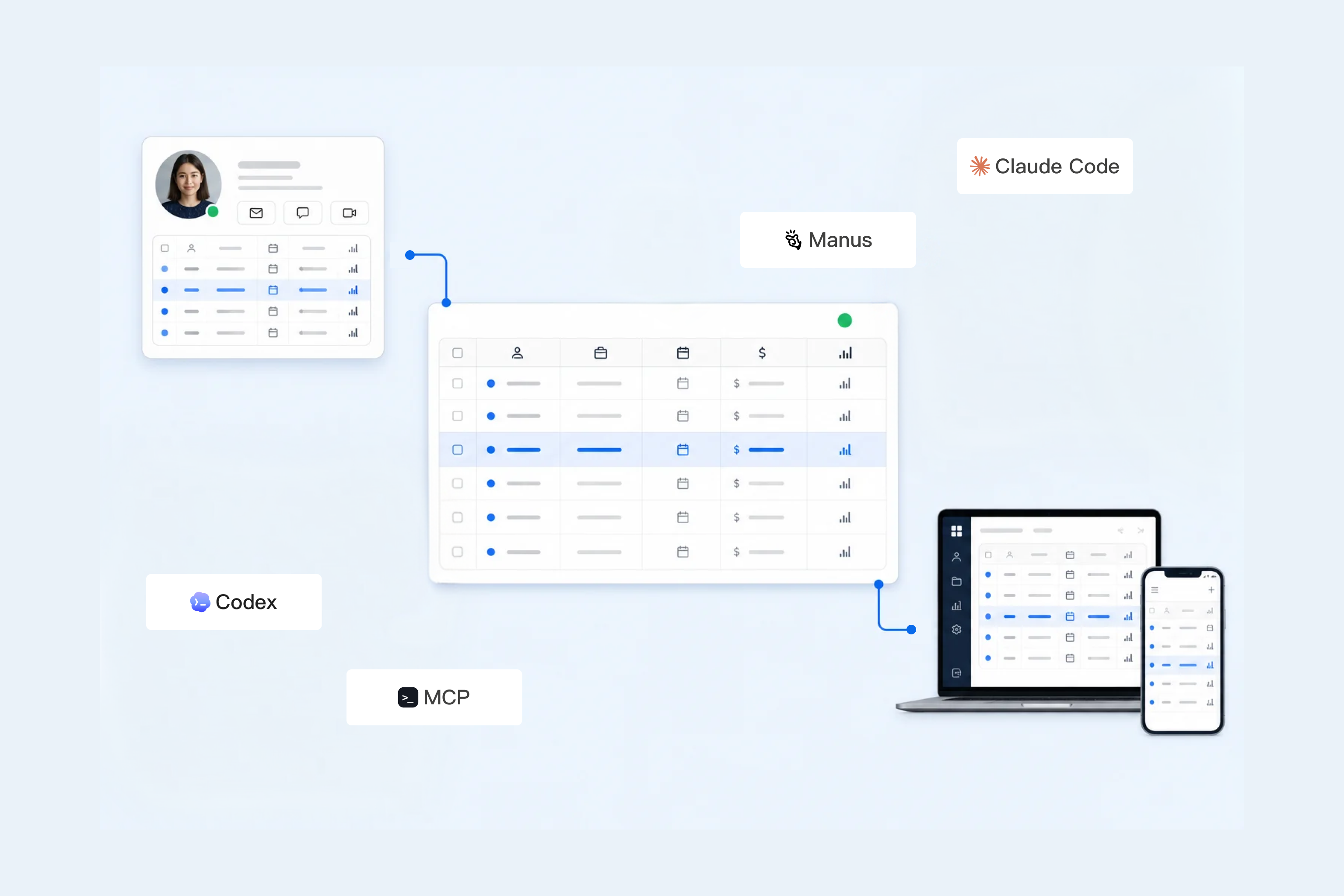
Let Manus work with continuously updated datasets for reports and apps — no re-uploading files.
How it looks in Manus
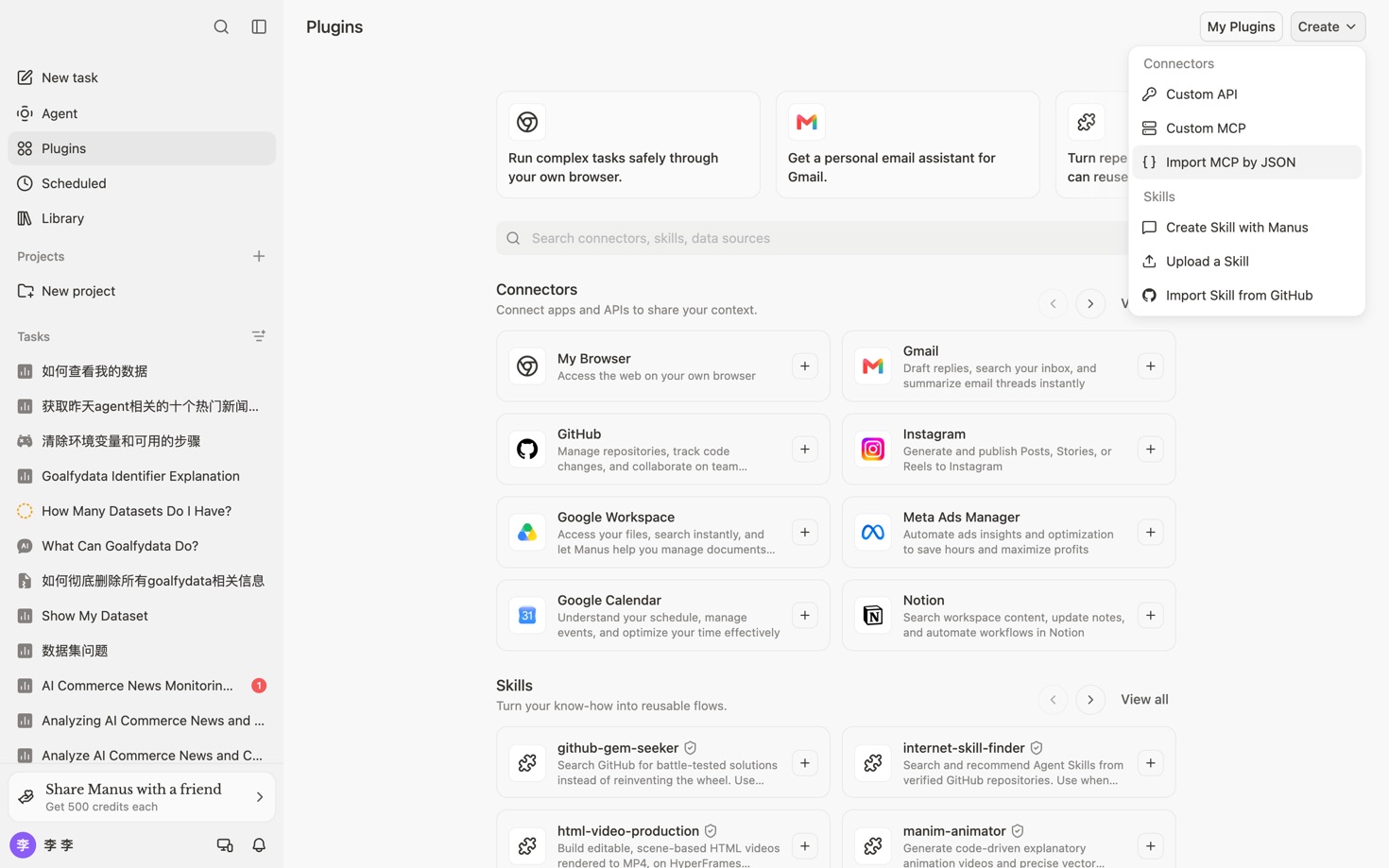
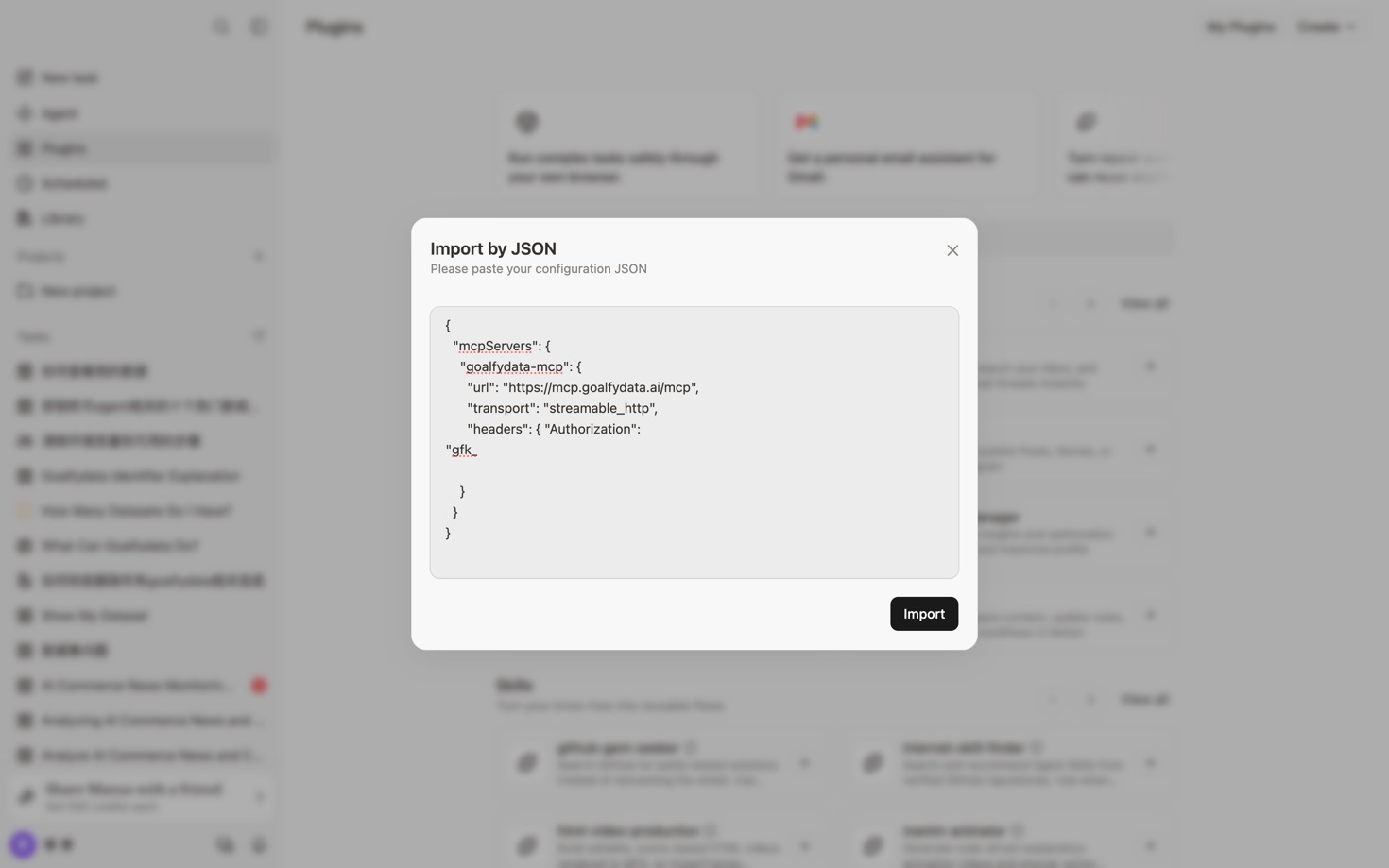
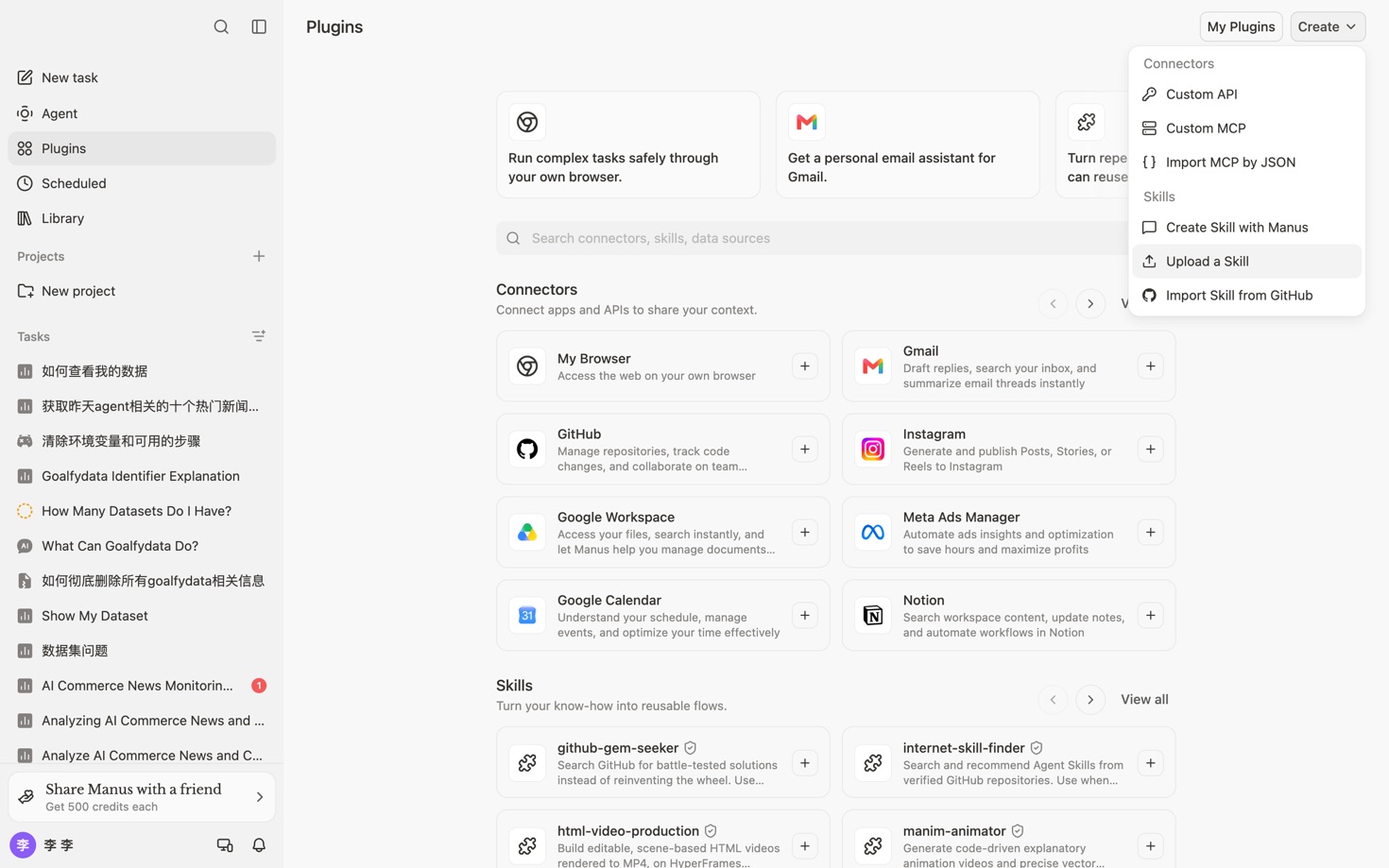
1Open Plugins → Create → Import MCP by JSON
You
/goalfydata
Agent
Need your action: Provide GoalfyData API Key
Please go to GoalfyData to create an API Key: https://goalfydata.ai/settings ("Settings → API Key", in the format gfk_xxx. The plain text is only shown once upon creation, so please save it securely.)
If you don't have a GoalfyData account yet, you can register at https://goalfydata.ai.
Once created, please send the API Key to me, and I will continue to process it for you.
You
gfk_********
Agent
I've received your GoalfyData API Key and configured the environment. I explored your GoalfyData workspace — datasets here are structured assets independent of any single conversation, with import, deep analysis, scheduled sync, governance rules, and sharing built in, and they can be deployed as data apps.
From here, just tell me what you want to do.
You
Take a look at the GoalfyData datasets I have — which one fits a continuously updated business report?
Agent
I'll go through the datasets you can access, compare their business scope, update method, and latest sync status, then recommend the best fit.
Agent
commerce_daily covers orders, refunds, and products, and it already syncs daily — a good fit for a continuously updated report. Would you like a one-off static report, or a live report app that refreshes as the data updates?
You
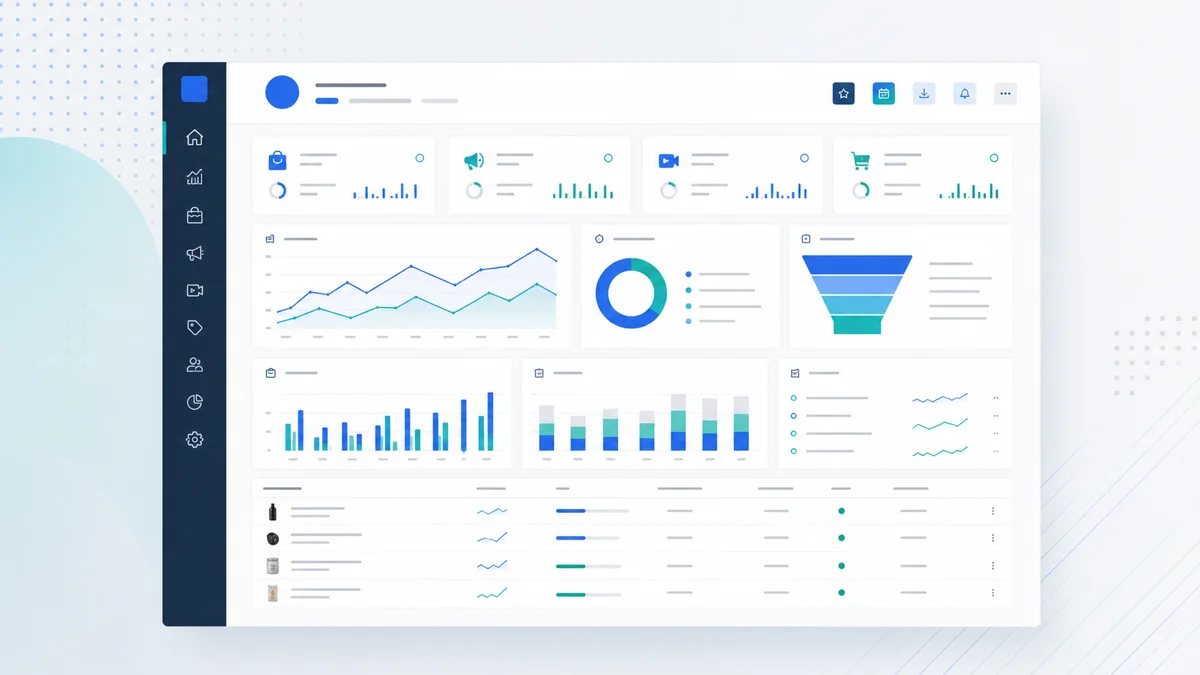
Make it a live report app tracking sales, refund rate, and fast-growing products. When the dataset updates each day, the report should follow.
Agent
Your live report app is ready. After each successful daily sync of commerce_daily, the app keeps reading the latest data from the same dataset — no re-uploading files or rebuilding the report. If a sync fails, the app won't get new data until the sync task is fixed.
Traditional workflowSend another file, then explain its structure and definitions again.
With GoalfyDataShare one governed dataset with its schema, definitions, and access rules.
Run recurring data work
Traditional workflowRepeat collection and cleanup for every reporting cycle.
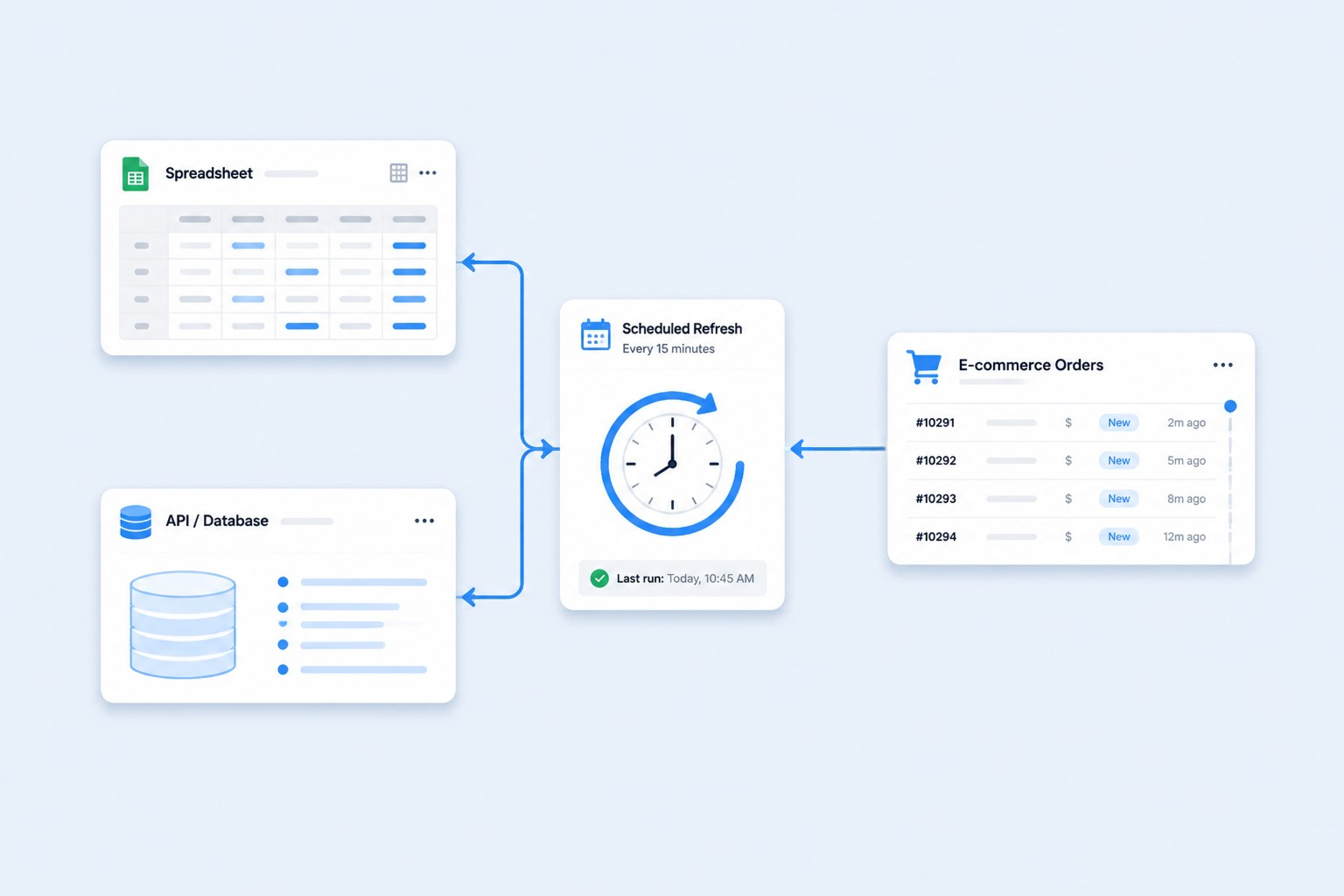
With GoalfyDataUse Managed Refresh to rerun update logic on schedule.
Give agents context
Traditional workflowRepeat schemas and definitions in each prompt.
With GoalfyDataReuse stored context and reduce repeated instructions.
Share the result
Traditional workflowSend files and instructions separately across tools.
With GoalfyDataShare the maintained result through controlled access.
Create a dashboard
Traditional workflowMove and remodel the data in another tool.
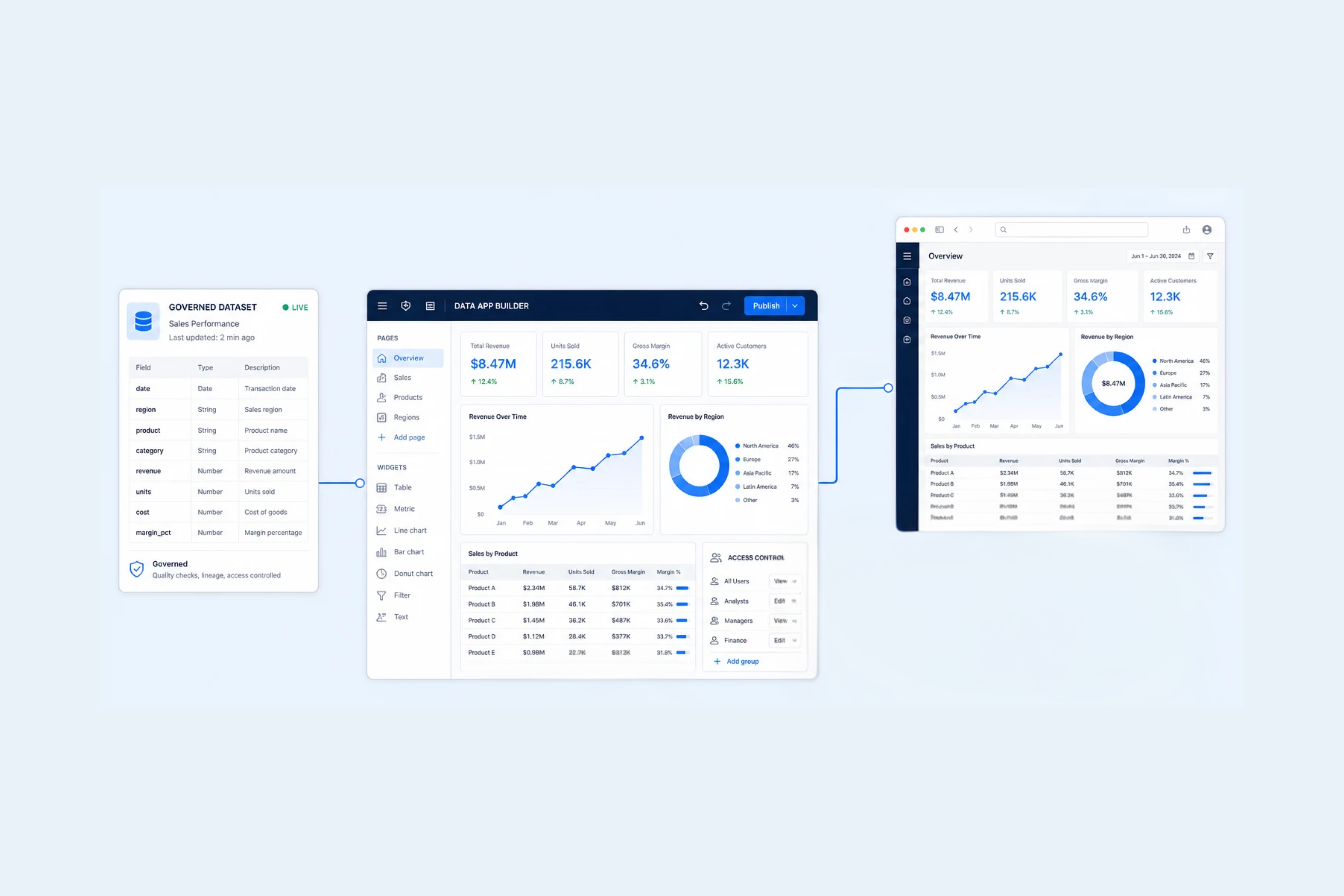
With GoalfyDataCreate an AI dashboard or data app on the existing dataset.
FAQS
It is a structured place for agent-created data, definitions, relationships, refresh logic, and access settings. GoalfyData keeps that context available beyond one conversation or agent run.
Store the dataset together with its schema, metric definitions, relationships, and usage guidance. Supported agents can then work from the same governed context instead of rebuilding it from an upload.
GoalfyData can keep a defined reporting workflow with its data and rules. Managed Refresh can rerun configured update logic on a schedule so recurring reports can stay current.
An AI agent can create a dashboard or focused data app on top of a GoalfyData dataset. The dataset, definitions, refresh logic, and access boundaries remain connected to the result.
Managed Refresh reruns a defined data workflow on a schedule. It helps recurring datasets, reports, and connected apps stay current without recreating the setup each time.
GoalfyData lets you share datasets and data apps while preserving configured access boundaries. Access can be revoked when the result should no longer be available.
Ready to keep your data assets up to date and ready to use?

'%20clip-rule='evenodd'%20d='M8.086.457a6.105%206.105%200%20013.046-.415c1.333.153%202.521.72%203.564%201.7a.117.117%200%2000.107.029c1.408-.346%202.762-.224%204.061.366l.063.03.154.076c1.357.703%202.33%201.77%202.918%203.198.278.679.418%201.388.421%202.126a5.655%205.655%200%2001-.18%201.631.167.167%200%2000.04.155%205.982%205.982%200%20011.578%202.891c.385%201.901-.01%203.615-1.183%205.14l-.182.22a6.063%206.063%200%2001-2.934%201.851.162.162%200%2000-.108.102c-.255.736-.511%201.364-.987%201.992-1.199%201.582-2.962%202.462-4.948%202.451-1.583-.008-2.986-.587-4.21-1.736a.145.145%200%2000-.14-.032c-.518.167-1.04.191-1.604.185a5.924%205.924%200%2001-2.595-.622%206.058%206.058%200%2001-2.146-1.781c-.203-.269-.404-.522-.551-.821a7.74%207.74%200%2001-.495-1.283%206.11%206.11%200%2001-.017-3.064.166.166%200%2000.008-.074.115.115%200%2000-.037-.064%205.958%205.958%200%2001-1.38-2.202%205.196%205.196%200%2001-.333-1.589%206.915%206.915%200%2001.188-2.132c.45-1.484%201.309-2.648%202.577-3.493.282-.188.55-.334.802-.438.286-.12.573-.22.861-.304a.129.129%200%2000.087-.087A6.016%206.016%200%20015.635%202.31C6.315%201.464%207.132.846%208.086.457zm-.804%207.85a.848.848%200%2000-1.473.842l1.694%202.965-1.688%202.848a.849.849%200%20001.46.864l1.94-3.272a.849.849%200%2000.007-.854l-1.94-3.393zm5.446%206.24a.849.849%200%20000%201.695h4.848a.849.849%200%20000-1.696h-4.848z'/%3e%3c/svg%3e)